
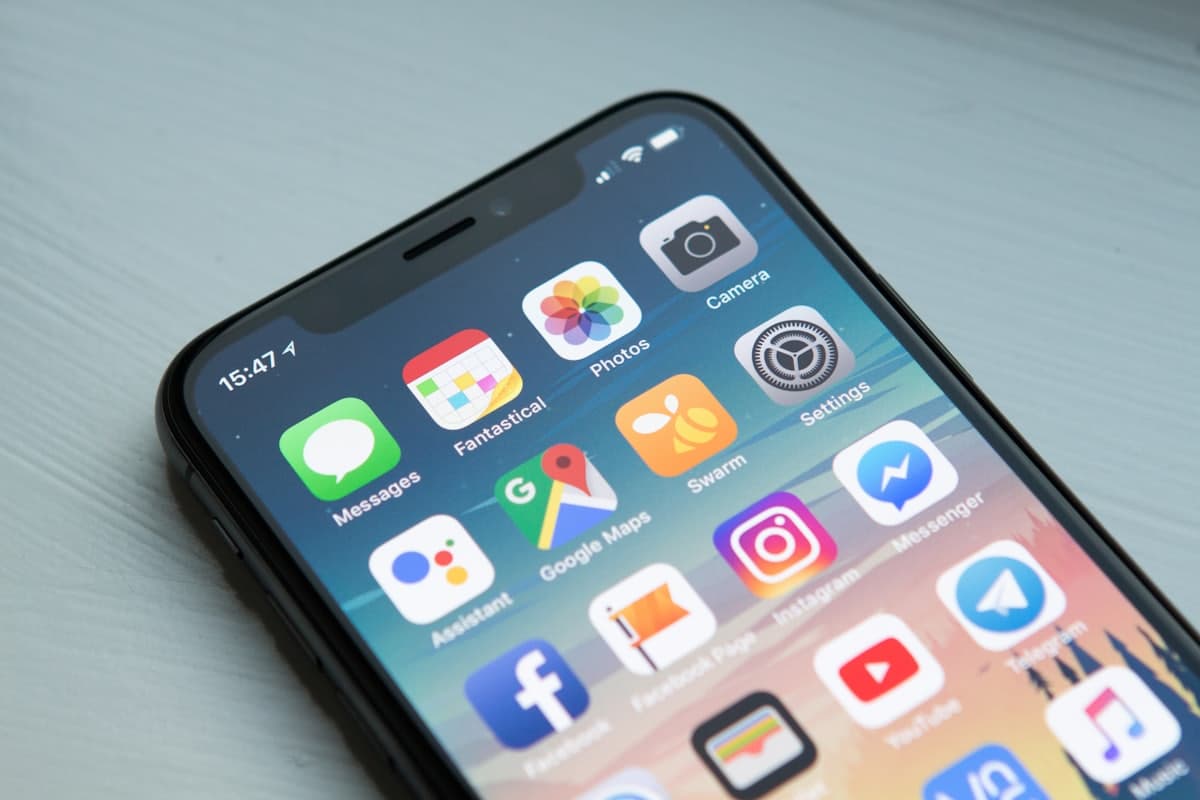
Japan eSIM 2026: The Honest Guide to Staying Connected
For almost every self-guided traveler with a modern phone, an eSIM is now the cheapest and easiest way to get online in Japan. eSIM vs pocket WiFi, how much data you need, the best providers, and setup before you fly.
Booking flights to Japan is the easy part. Sorting out data the moment you land — that's where most independent travelers trip up. For almost every self-guided visitor with a modern phone, an eSIM is now the cheapest, fastest, and least stressful way to get online in Japan: buy it before you fly, scan a QR code, and walk out of Narita or Kansai already connected.
This guide covers the best eSIM options for 2026, the real pocket WiFi vs eSIM trade-off, how to estimate how much data you actually need, and the practical mistakes that cost people money. If you only read one section, make it the data-planning bit — that's where 90% of the regrets come from.
Quick Answer: Japan eSIM 2026
Solo/couple with a modern phone → eSIM. A 7-day Japan eSIM runs roughly $8–$15 for ~10GB; most tourists need 10–20GB. Buy and install before you fly, activate on arrival. Pocket WiFi only wins for groups/families with multiple devices or older phones. For rural routes, pick a provider on NTT Docomo.
Best for solo
eSIM
Typical data
10–20 GB
7-day cost
~$8–15
Rural pick
Docomo
Why an eSIM Beats the Old Options in 2026
Picking up at the airport? Our Narita vs Haneda guide explains which terminal you will land at and how long the transfer takes.
A few years ago you had three choices: pay punishing roaming fees, queue at an airport kiosk for a physical SIM, or rent a pocket WiFi router. All still exist; none is the default in 2026. An eSIM is a digital carrier profile you install on your phone — no tray, no tiny plastic to lose, no jet-lagged fumbling at the airport. Most phones released since 2019 support eSIM (Apple's US iPhone 14–17 are eSIM-only).
The bigger win: your home number stays active for iMessages and calls while a separate data-only line handles your travel data — both on the same handset, connecting to NTT Docomo, KDDI (au), or SoftBank. One caveat: tourist eSIMs are data-only — you'll make calls over WhatsApp, LINE, or FaceTime (which is what most travelers do anyway).
Pocket WiFi vs eSIM: The Real Comparison
| Factor | eSIM | Pocket WiFi |
|---|---|---|
| 7-day cost (solo) | ~$8–15 | ~$35–70 |
| Setup | Scan QR, no counter | Pickup/return device |
| Devices | One phone | Up to ~15 |
| Battery | Your phone only | 8–20h, extra to carry |
| Best for | Solo, couples | Families, groups, laptops |
The 2026 verdict: for solo travelers, couples, and most small groups, an eSIM is cheaper, more convenient, and just as fast. Pocket WiFi still makes sense for larger groups (one router serves everyone), travelers with older non-eSIM phones, or anyone tethering several laptops. One nuance: with a single router, if the carrier gets separated from the group or the battery dies, everyone loses signal at once — with individual eSIMs, each person stays connected.
Understanding the Japanese Mobile Network
You'll see three carrier names repeatedly. Knowing who's who helps you pick a plan that works where you're going.
- NTT Docomo — the biggest, strongest in the countryside and mountains. Choose a Docomo-based plan for rural routes.
- KDDI (au) — strong, reliable nationwide coverage including many rural areas.
- SoftBank — excellent urban speeds; more gaps in deep mountains and wilderness.
Tokyo–Kyoto–Osaka loop only? All three are fine. Heading to Tohoku, the Noto Peninsula, the Japanese Alps, or rural Hokkaido? Pick a provider running on Docomo.
How Much Data Do You Actually Need?
This is where people overspend. At home you're on WiFi most of the day; traveling in Japan you lean on data for maps, translation, and browsing — so your burn is higher than at home, but rarely as high as you fear.
- Light (maps, messaging, some photos): 5–10 GB over 10 days is plenty.
- Medium (music, stories, occasional video, lots of Maps): 15–20 GB.
- Heavy (Reels, video calls, hotspotting a laptop, remote work): 30 GB+ or unlimited.
Most tourist trips land in the 10–20 GB bucket. Don't buy unlimited because it feels safer — buy it only if your actual usage warrants it. Almost every provider lets you top up mid-trip. Note that most "unlimited" plans run a fair-usage policy and throttle speed after a daily cap (often ~3 GB/day), so read the fine print.
In practice, you'll reach for data more often than you expect in Japan — map apps, social media, and looking up sightseeing info all add up, and theme parks increasingly rely on an official app you can't do without. Our self-guided tour packages also include 24-hour customer support that you access online, so for peace of mind we recommend choosing a data plan with a little room to spare rather than the bare minimum.
Best eSIM for Japan: Providers Worth Considering
There's no single best pick for everyone — choose based on your route, data needs, and whether you value local routing or a familiar app.
- Sakura Mobile — premium local pick, English support, 100% local routing on au/Docomo. Pricing around ¥4,200 (7-day 4G unlimited) / ¥5,000 (5G). Best for reliability and rural coverage.
- Ubigi — solid all-rounder on NTT Docomo. Broad plan range (e.g. ~$17 for 10 GB / 30 days; unlimited ~$25 for 7 days).
- Saily — by the NordVPN team; clean app, built-in ad blocker and security features. ~$18.99 for 10 GB / 30 days.
- Sim Local — strong unlimited option on au with a 10 GB/day cap; excellent real-world speeds.
- Airalo — the familiar global brand; cheap entry tier, easy app, good for short trips.
- Holafly — marketing-heavy unlimited; note the hotspot cap (~500 MB/day) if you tether.
- Mobal — the rare tourist eSIM that includes a Japanese phone number with calling, if you need callbacks for reservations.
For a normal 7–14 day trip, don't overthink it: pick a reputable name on a strong Japanese carrier, in the right data tier, and move on.
How to Set Up Your eSIM Before You Fly
The single biggest mistake: waiting until you land and panic-buying on airport WiFi. Don't.
- Check compatibility & unlock status. Confirm your phone supports eSIM and is carrier-unlocked — days before departure, not the night before.
- Buy the plan at home. Order a few days out; you'll get a QR code by email.
- Install (iPhone): Settings → Cellular → Add eSIM → scan QR. Enable "Data Roaming" on the Japan line only (your home plan won't be charged).
- Install (Android): Settings → Connections → SIM Manager → Add eSIM → scan QR. Some handsets need APN tweaks (the provider sends instructions).
- Activate on arrival. Toggle the new line on after landing; test Google Maps before you leave the airport while you still have backup WiFi.
You need an internet connection to install an eSIM (home or airport WiFi is fine) — just don't rely on in-flight WiFi. And save your QR code/email: losing it usually means buying a new plan.
Common Mistakes and How to Avoid Them
- Buying too much data. Start with 10–15 GB and top up if needed.
- Buying at the airport. Convenient but pricier, and the post-customs queues at Narita are nobody's idea of fun.
- Ignoring your phone's lock status. A carrier-locked phone won't take a travel eSIM — sort it weeks ahead.
- Misreading "unlimited." It almost always means throttled past a daily cap.
- Not saving the QR code. Screenshot it and store it in a cloud note.
- Carrying a pocket WiFi you don't need. Solo or a couple with a modern phone? Skip the router.
Planning a trip to Japan and want the practical details taken care of? Get in touch through Plan My Trip on our self-guided tours site, and we’ll suggest the tours that best fit your dates and plans.
FAQ: Japan eSIM 2026
Do I need a Japanese phone number as a tourist?
For tourism, no. Tourist eSIMs are data-only, and that's fine — calls go through WhatsApp, LINE, or FaceTime. You only need a Japanese number for living here (bank accounts, admin). Mobal is the rare tourist eSIM that includes a number with calling.
Will my home SIM still work alongside the eSIM?
Yes. Your home line keeps receiving iMessages and calls (with its data roaming off, so no charges), while the eSIM line handles all your data. That dual-line setup is the whole point.
Which eSIM is best for rural Japan?
Pick a provider running on NTT Docomo — it has the broadest rural and mountain coverage. Sakura Mobile, Ubigi, and Mobal all run on Docomo.
How much data do I need for a 1–2 week trip?
Most tourists are comfortable with 10–20 GB. Light users (maps and messaging) can manage 5–10 GB; heavy users who stream or hotspot a laptop should consider 30 GB+ or unlimited.
eSIM or pocket WiFi for a family of four?
For four phones plus a tablet, one pocket WiFi router is often better value and simpler than four separate eSIMs. Solo travelers and couples are better off with an eSIM.
Can I use the same eSIM in other countries?
Country-specific plans (e.g. Sakura Mobile) only work in Japan. Regional eSIMs from Airalo, Saily, or Ubigi cover multiple Asian countries — handy for multi-country trips.
Is free WiFi in Japan enough on its own?
No. It's useful at stations, cafés, and convenience stores as a top-up, but it's patchy outside cities and often unsecured. Use it to download offline maps, not as your primary connection.
When should I activate my eSIM?
Install at home before you fly, then toggle the line on when you land. Some plans (e.g. Sakura Mobile 5G) only start their validity period once you arrive in Japan, so you won't waste a paid day.
Related Articles
Narita vs Haneda (vs Kansai): Which Airport to Fly Into for Japan — Transfer Times, Costs & the New 2027 US Nonstops
15 min read
Japan Power Bank Rules 2026: What Travelers Need to Know Before Flying
11 min read
Japan Tourist PASMO 2026: The Complete Guide for International Visitors
12 min read